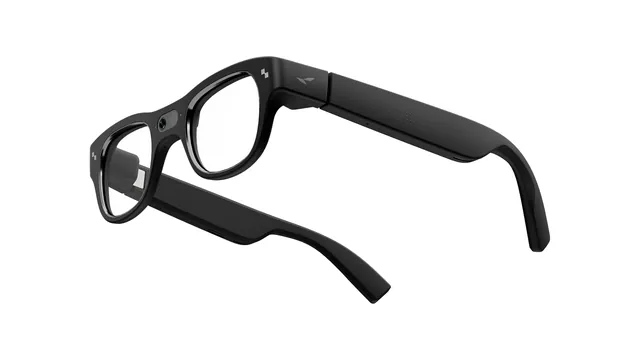
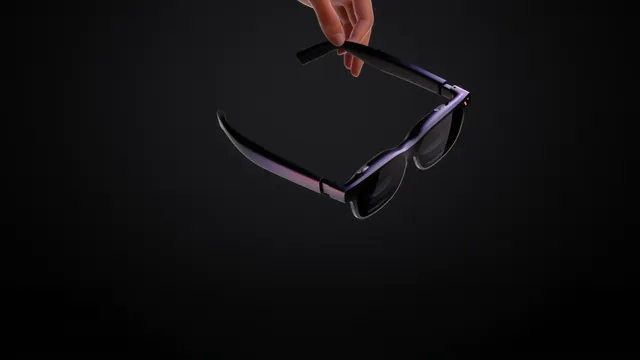
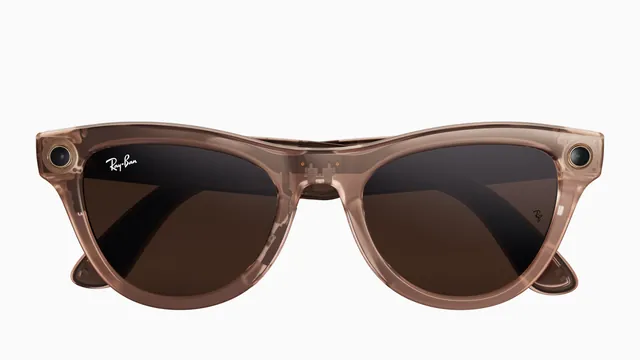
RayNeo sells the X3 Pro, standalone AI and AR glasses with a camera, plus Air and GT screen glasses that plug into a phone or console and the camera-free iO. Here is what each line does, what it costs in the US and who it suits.
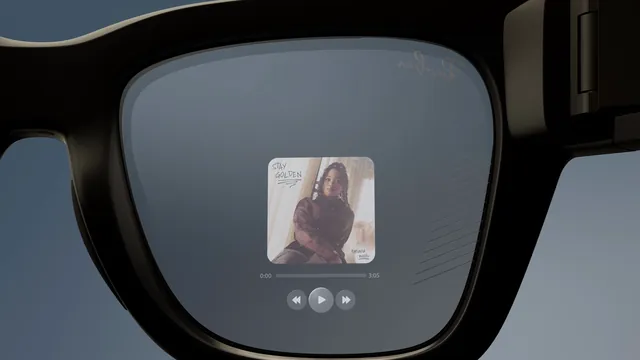
The Even G2 is a camera-free pair of display glasses for $599. Meta Ray-Ban Display costs $799 with a camera, a full-color screen and a wristband. Here is how they compare on price, display, controls, battery, prescriptions and privacy.
XREAL and Viture both make glasses that plug into a phone, laptop or console and show a big virtual screen. Here is how their current lineups compare on price, display, dimming, prescriptions, compatibility, accessories and Android XR.
Ray-Ban Meta glasses offer two kinds of visual help: live video calls with Be My Eyes volunteers and spoken descriptions from Meta AI. Here is how to set each up, where they work and what Meta and Be My Eyes say about limits.
Switching phones means importing your captures, unpairing the glasses from the old phone and pairing them again from the Meta AI app on the new one. Here is the order Meta's help pages point to, and when a factory reset is the way out.
Most of Ray-Ban Meta's privacy controls sit on one screen of the Meta AI app, and a few live elsewhere. Here is where each setting is, what it changes and how to delete recordings, photos and shared data, using Meta's own pages.
Ray-Ban Meta glasses use the same Meta AI app on iPhone and Android. Meta and Ray-Ban document only a handful of differences, from video formats to pairing steps. Here they are, along with what the two companies don't say, including how texts and iMessage are handled.
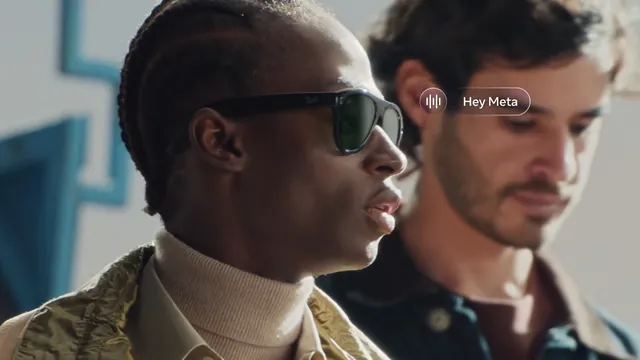
Hey Meta is a toggle in the Meta AI app, and the touchpad can start Meta AI without it. Here are the menu paths for the wake word, follow-up questions, Meta AI's voice and language, and the other settings that change how it answers.
Meta's care guide comes down to a dampened cloth, mild soap and a dry finish. Here is how to apply it to the lenses, the camera lens, the charging contacts and the case, what to keep away from the glasses, and how to store and pack them.
Meta says only the first-generation Ray-Ban Meta can livestream, to Facebook or Instagram. Ray-Ban's FAQ has the steps, but we found no stream limit, audio detail or battery figure from either company.
Ray-Ban Meta glasses that slip, pinch behind the ears or press on the nose have a few documented fixes. Nose pads can be adjusted or swapped, temple tips are for an optician, and a different size may be the better answer.
Ray-Ban Meta glasses update through the Meta AI app, which tells you when one is ready. You can also check by hand, and Ray-Ban's FAQ lists six fixes for an update that fails.
Who answers your support request depends on who made the glasses. Meta supports Meta Ray-Ban Display and the Neural Band, Ray-Ban handles Ray-Ban Meta and Oakley handles Oakley Meta. Here is where to start and what to have ready.
Ray-Ban's FAQ and Meta's help center describe fixes for Meta Ray-Ban Display that escalate from display settings and restarts to re-pairing and a factory reset. If they fail, contact Meta, not Ray-Ban.
When Meta Neural Band gestures stop registering, Ray-Ban's FAQ says to check fit and size first. If both are right, restart the band, re-pair it, clean it and, as a last step, factory reset it.
When the Meta AI app, formerly Meta View, won't sign in, crashes or can't find your glasses, the fixes start with the account, the phone's permissions and updates. Here are the steps from Meta, Oakley, Ray-Ban and Apple, lightest first.
Oakley Meta HSTN and Vanguard charge only in their case, and Meta troubleshoots them as one group. Here are the fixes in order, what the case and glasses lights mean, how heat and cold matter and how to file an Oakley warranty claim.
Ray-Ban Meta glasses blink red four times before they shut down from heat or cold, and the case won't charge a pair that's too hot. Here is what Meta and Ray-Ban publish about temperature, what to do when it happens and what neither company has said.
Garmin's voice stats, status LED and autocapture need Garmin's Meta AI app and work only in the US for now. Strava overlays are a connection inside the Meta AI app. Here is how to set up both and which glasses each one supports.
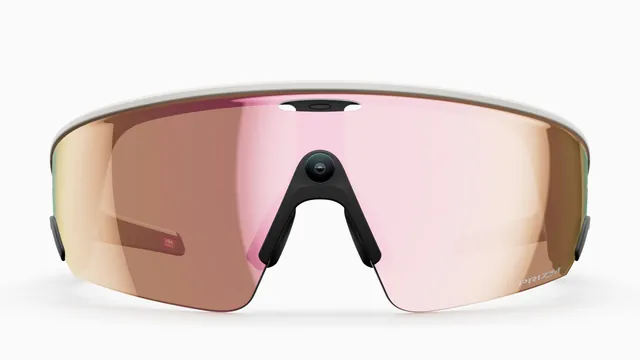
Oakley Meta HSTN comes with Prizm, Prizm Polarized, Transitions or clear lenses, and Vanguard with Prizm or Prizm Transitions. Here is what each costs, what Oakley says it is for and what spare lenses run.
Meta rates Meta Ray-Ban Display at up to six hours of mixed use, with up to 24 more from its folding case, and the Neural Band at up to 18 hours. Here is what Meta hasn't published, and how the numbers compare with Ray-Ban Meta Gen 3 and Oakley Meta.
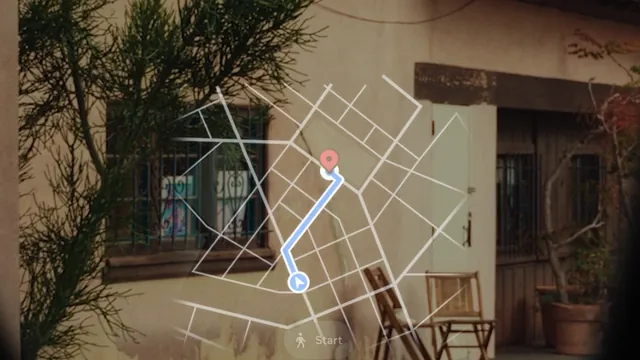
Meta Ray-Ban Display shows a map and turn-by-turn walking directions in the right lens. Meta says walking navigation covers every US city and international cities such as London, Paris and Rome, driving isn't supported, and cycling and transit directions are announced for the US and Canada.
Meta Ray-Ban Display can show speech as text in the right lens and translate conversations. You start both from the glasses menu, the Meta AI app or your voice, and Meta says translation covers 20 languages.
Meta Ray-Ban Display takes single-vision prescriptions from -4.00 to +4.00, built into the display lens when you buy, so a new prescription means a new order. The glasses come in two frame sizes, and the Neural Band comes in three.
Can we count your visit?
With your permission, Google Analytics tells us how many people come and where from. How it works.